Quick guide to CodePic
CodePic FAQ
CodePic is an online infinite whiteboard for visual thinking. It keeps quick sketches, flowcharts, wireframes, system diagrams, notes, and AI-generated drafts editable on the same canvas.
What is CodePic?
CodePic is a browser-based infinite whiteboard with a hand-drawn style. You can open a blank board, sketch ideas with shapes and freehand drawing, connect nodes with arrows, or start from templates for flowcharts, ER diagrams, wireframes, timelines, and planning boards.
What can you make with CodePic?
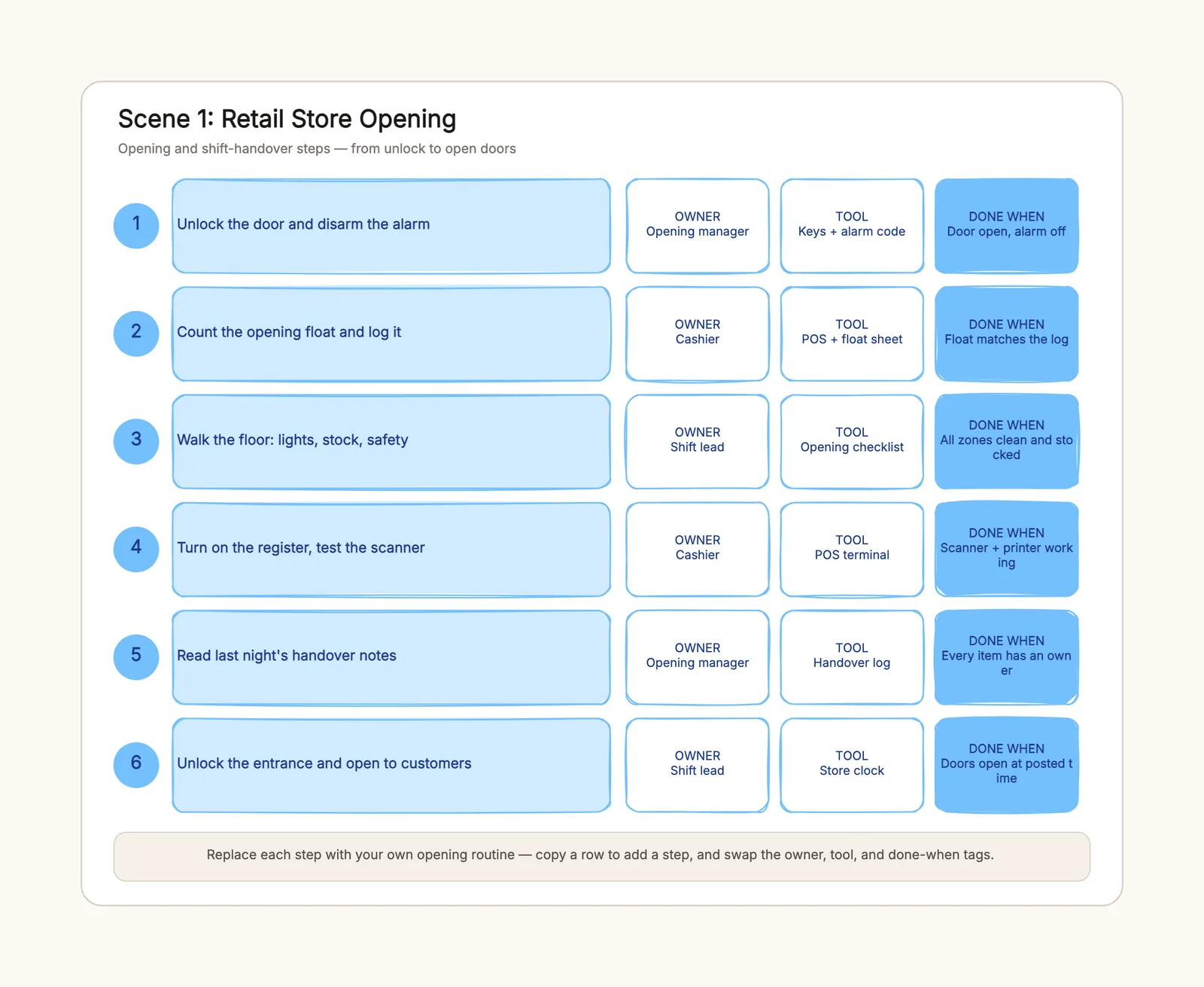
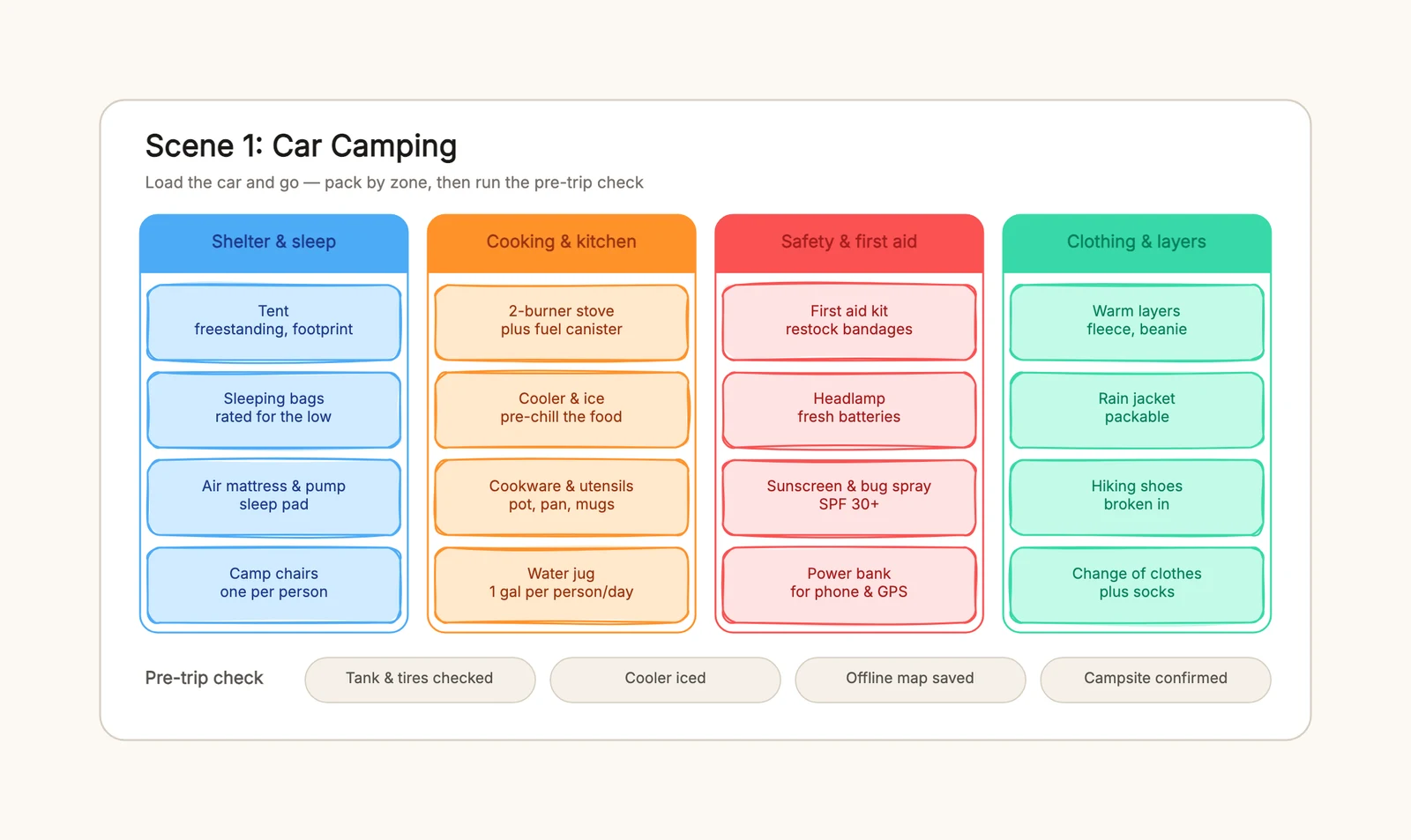
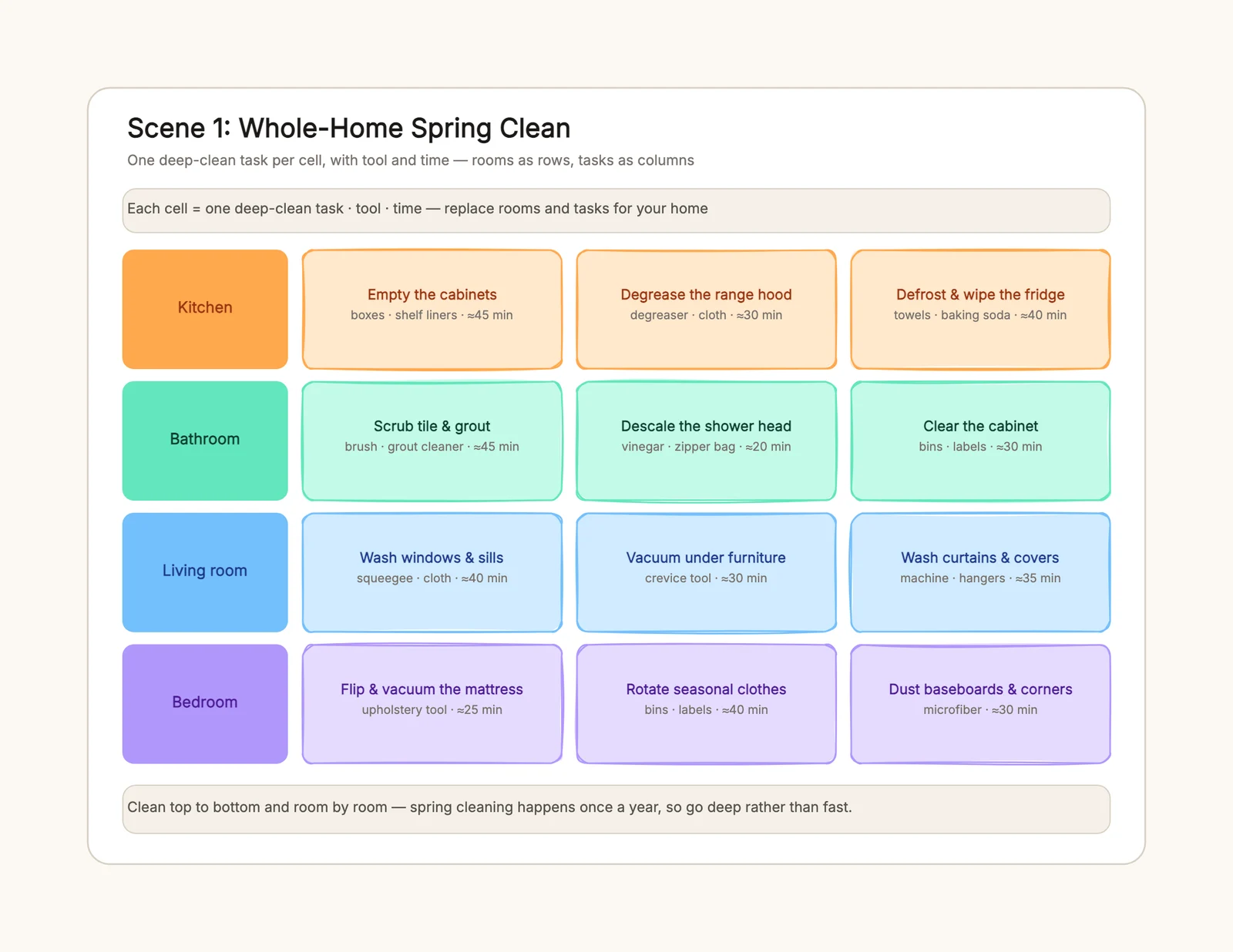
CodePic is useful for visual notes, brainstorming, product planning, system architecture, flowcharts, entity relationship diagrams, wireframes, timelines, and lightweight documentation. The same board can mix sticky notes, text, shapes, connectors, drawings, and templates.
How is CodePic different from a traditional diagram tool?
Traditional diagram tools often start from rigid diagram types. CodePic starts from an open whiteboard: diagrams are content on the canvas, not the boundary of the product. This makes it easier to move from messy thinking to structured diagrams without switching tools.
How does CodePic work with AI tools?
CodePic supports structured diagram data and an MCP server, so AI coding assistants can generate editable diagrams instead of static images. You can ask an AI tool to create a draft, then open it in CodePic to refine the layout, labels, colors, and connectors.